Digital signage is easier to understand when you can see how it fits into a real business environment.
This visual demo page shows representative examples of the types of digital experiences DigitalMenuMaker can create for restaurants, retail businesses, gyms, salons, automotive businesses, hospitality businesses, and other commercial environments.
Explore landscape menu boards, portrait signage, restaurant displays, business information screens, and hardware concepts—all without requiring a live video demonstration.
These visuals are concept examples, not customer installations. As the DigitalMenuMaker platform evolves, this page can be updated with actual product screenshots, videos, and live demonstrations.
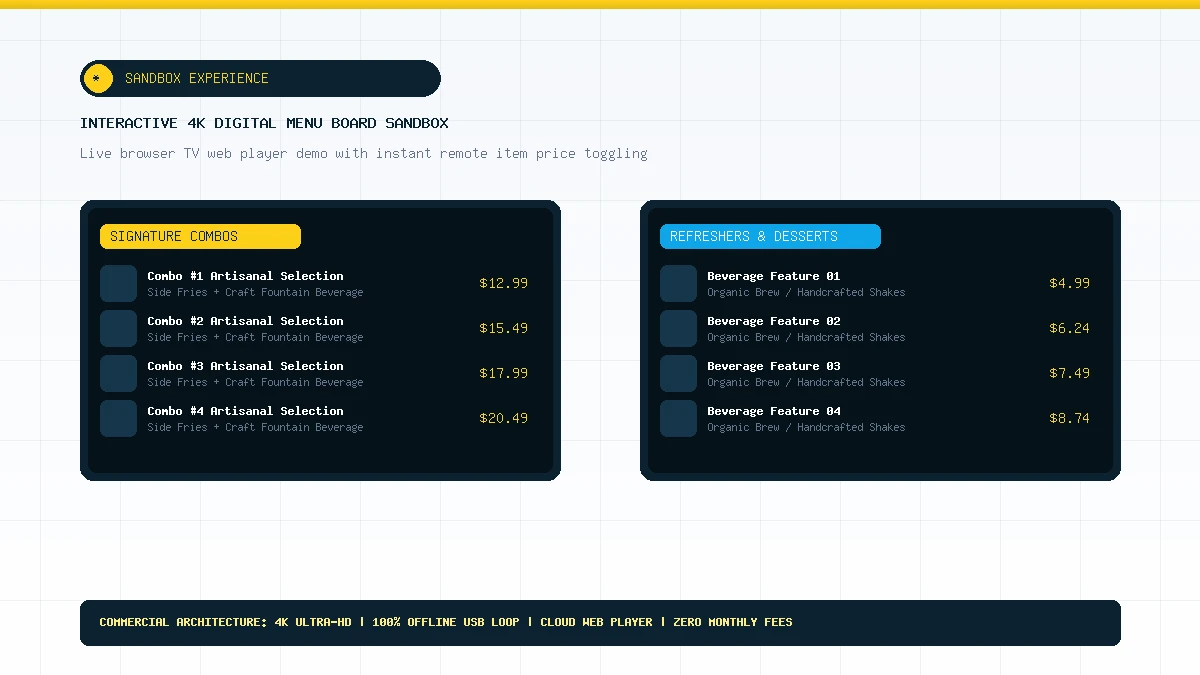
A digital menu board turns a standard display into a visual sales and information surface.
The screen can be designed around the business's menu structure, product categories, pricing, promotions, imagery, and brand style.
Digital menu boards can be prepared for both landscape and portrait displays depending on the physical installation.
Explore Digital Menu Board Solutions →
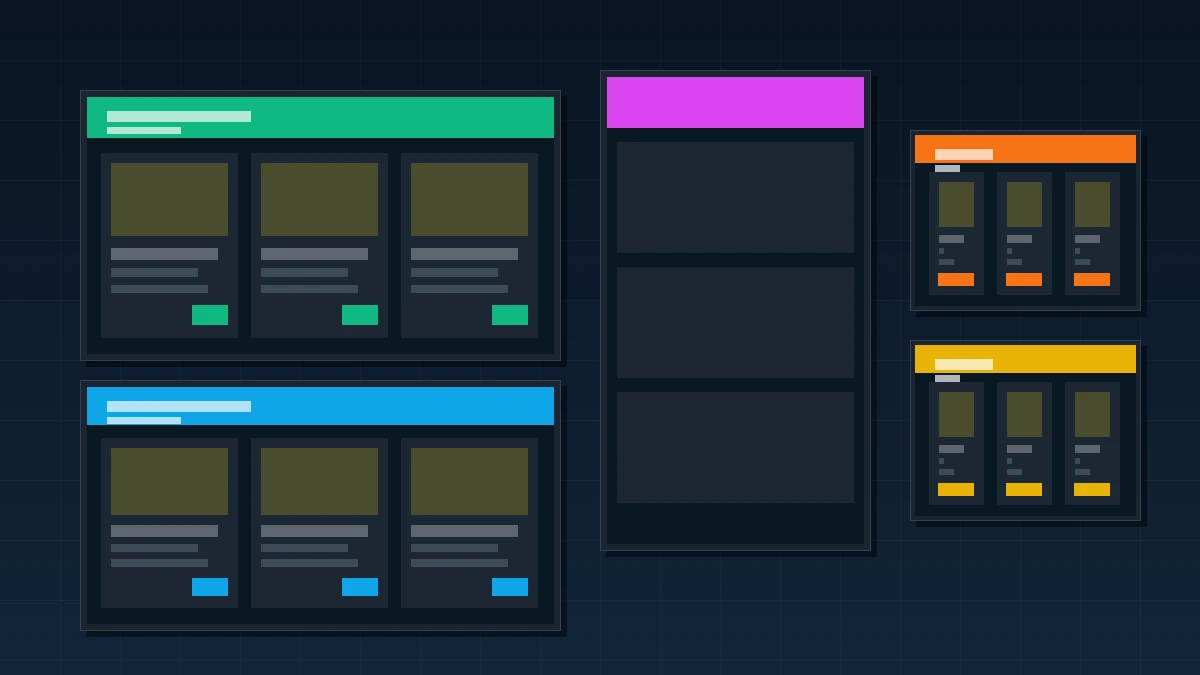
Not every business has the same wall, counter, viewing distance, or content requirements. DigitalMenuMaker supports visual concepts for both major signage orientations:
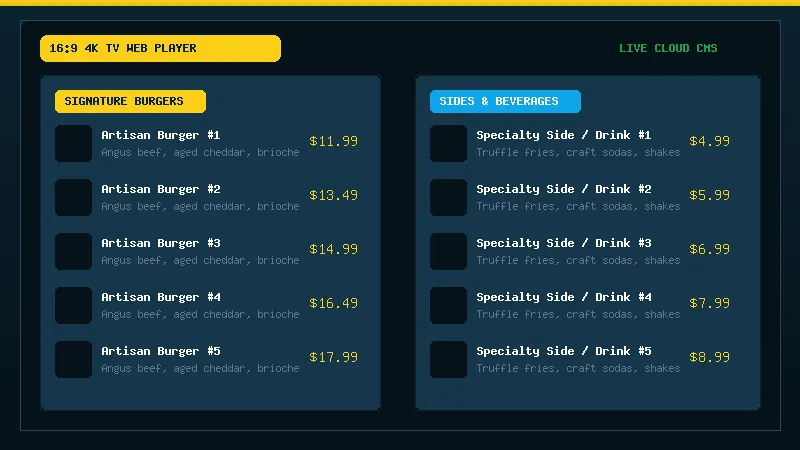
A wide horizontal format suitable for menu walls, restaurant displays, promotional screens, and other wide-format installations.
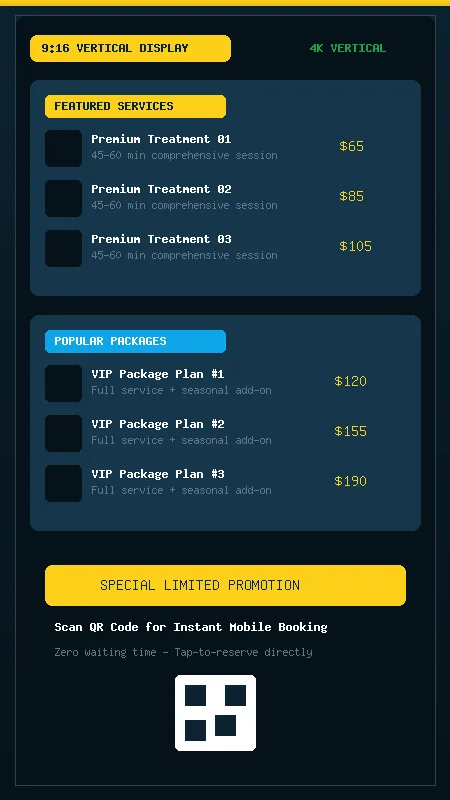
A vertical format useful for narrower wall spaces, promotional displays, retail environments, service information, and vertically structured content.
The final orientation should be selected according to the physical installation and the content that needs to be displayed. See our TVs & Commercial Displays Hardware Guide.
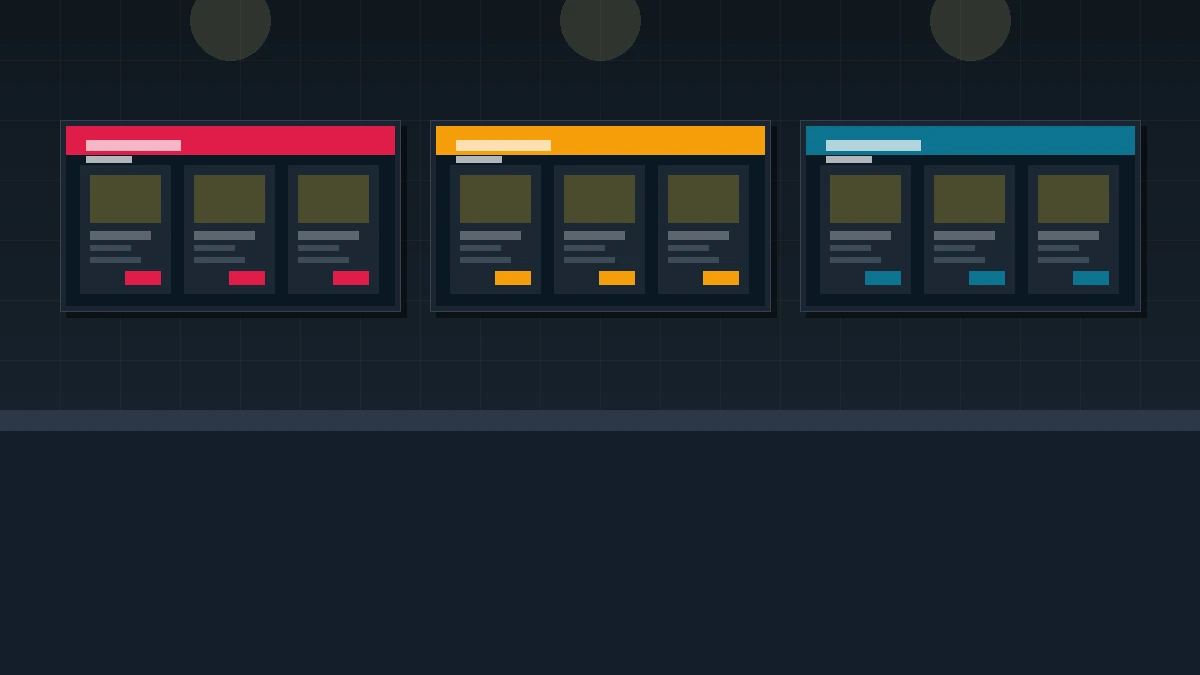
Restaurants, cafés, bakeries, food trucks, hotels, and hospitality businesses can use digital displays to present menus, promotions, featured products, seasonal offers, and customer information.
The visual approach can be adapted to the environment—from a simple single-screen menu to multiple displays arranged across a restaurant or hospitality space.
The examples on this page are visual concepts. Actual menu content, branding, pricing, and screen layouts can be created according to the business requirements.
Digital signage isn't limited to menus. The same display concept can be adapted for businesses that need to communicate services, promotions, schedules, products, announcements, or customer information.
Class schedules, membership promotions, training services and announcements.
Service information, appointment details, educational material and announcements.
Service menus, packages, promotions and visual brand communication.
Service packages, maintenance info, seasonal offers and waiting-room displays.
Product promotions, special offers, catalog categories and in-store messaging.
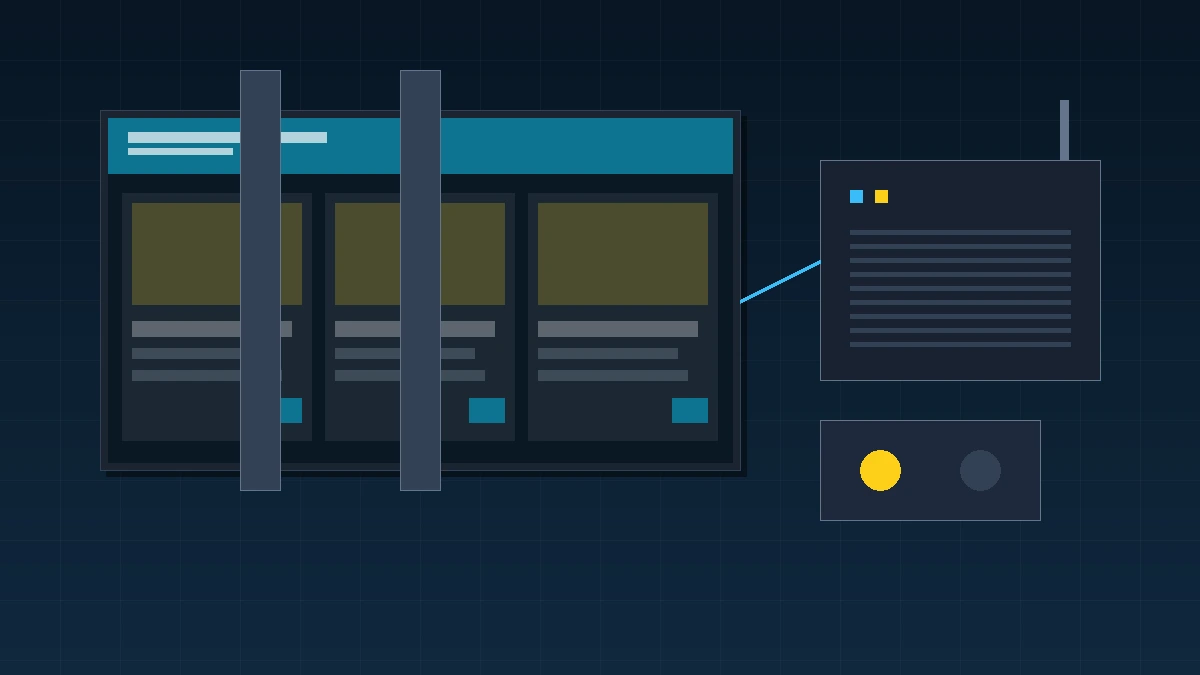
A digital signage setup can involve more than the display itself. Depending on the project, the environment may include a compatible television or commercial display, media player, mounting solution, connectivity, and the content/playback system.
The appropriate hardware depends on factors such as:
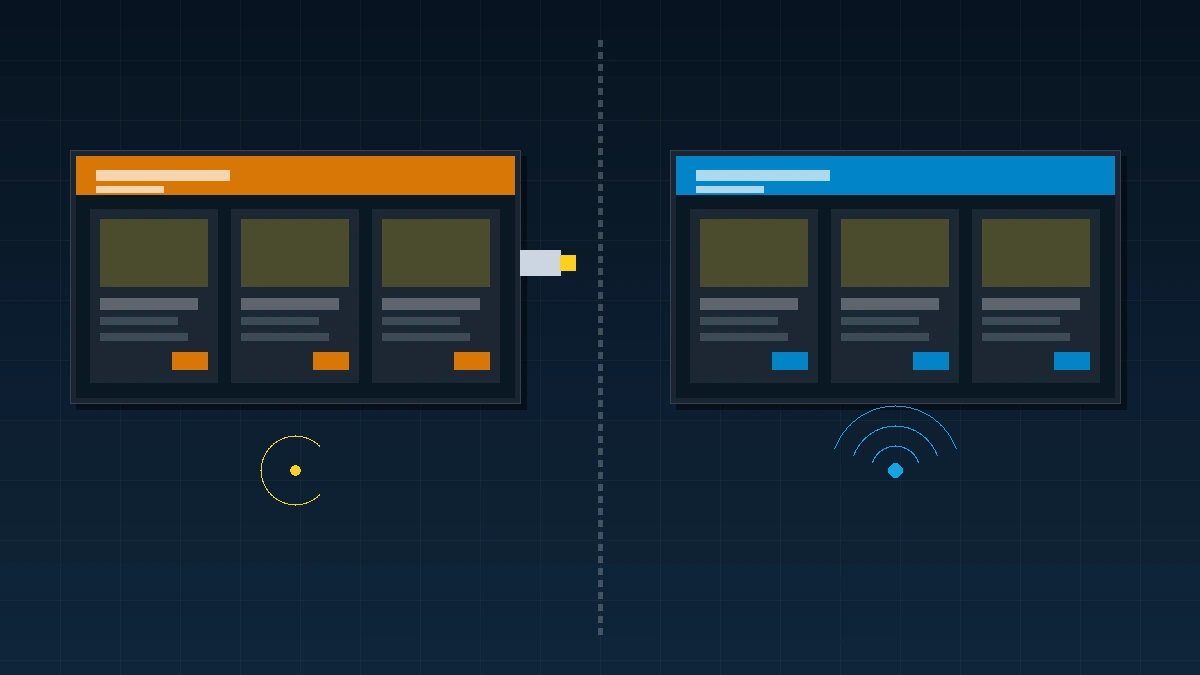
Some businesses need a straightforward offline display. Others need the ability to manage content remotely. DigitalMenuMaker can support different project architectures depending on the required workflow.
Prepared media can be stored locally and played through a compatible display or media player. This approach is useful when the business wants a simple content-loop setup without depending on continuous internet connectivity.
A connected architecture can be used when a business needs content to be managed or delivered remotely across multi-screen networks. The appropriate solution depends on the project requirements, hardware, and desired management workflow.
Commercial signage projects can involve more than software and design. Hardware suppliers and local implementation professionals can play an important role in getting a physical project deployed.
DigitalMenuMaker's partner ecosystem is designed around two major categories:
Businesses supplying displays, commercial TVs, mounting products, media players, and related B2B signage hardware.
AV integrators, commercial display installers, IT contractors, and other field professionals supporting physical deployment across U.S. markets.
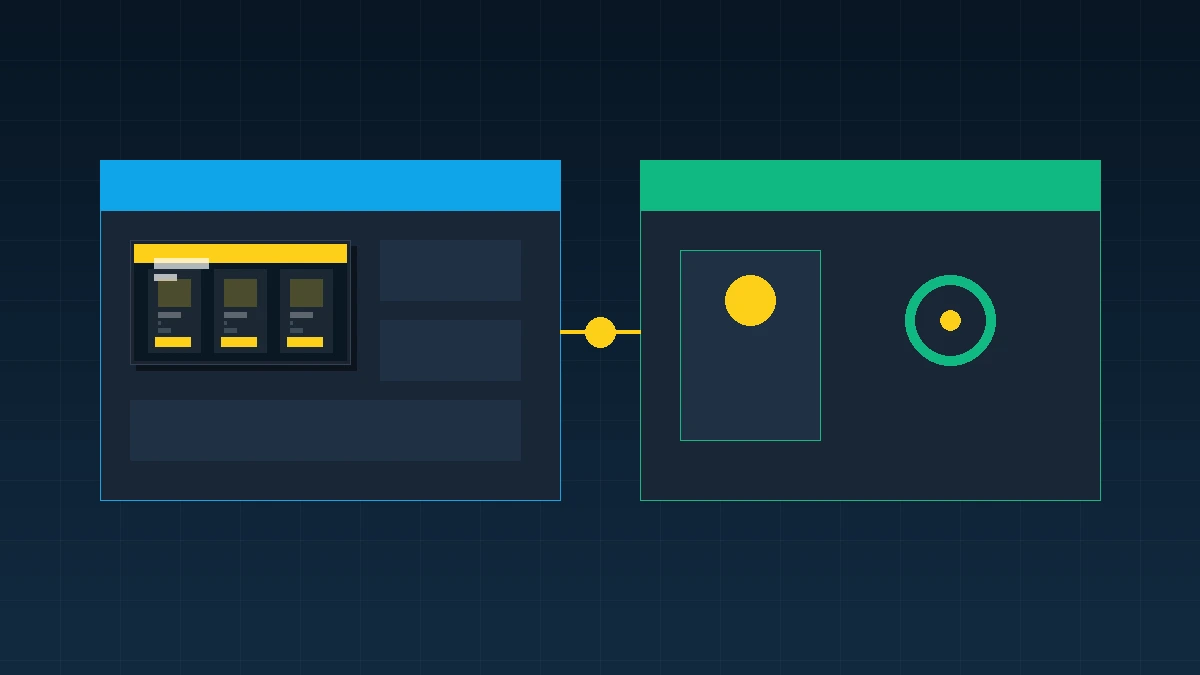
The images on this page are intended to make the different DigitalMenuMaker solutions easier to understand visually. They are not presented as photographs of specific customers or completed installations.
The actual design of a project can change according to:
As the DigitalMenuMaker portfolio develops, this demo page can be expanded with real project screenshots, videos, interactive previews, and other verified examples.
Whether you need a restaurant menu board, commercial signage display array, or a larger multi-screen hardware setup, the first step is understanding what your venue actually needs.
