The display is the part of a digital signage system your customers see first. But choosing a screen for a menu board is different from simply choosing a television for a living room.
Screen size, resolution, brightness, operating hours, mounting orientation, connectivity and the environment around the display can all affect the practical setup.
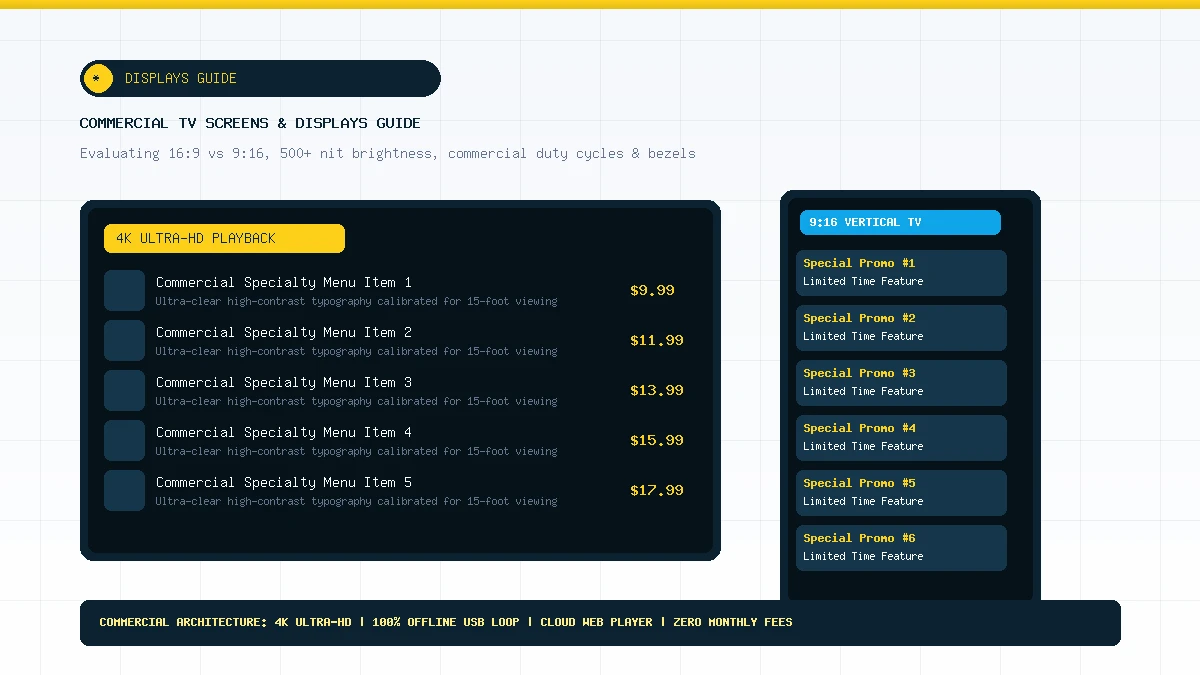
Source commercial high-nit display fleets directly from vetted manufacturers in our Hardware Partner Network or hire certified local AV installers for structural mounting via our Installation Partner Directory.
There is no single screen type that fits every digital signage installation. A small business may use a large consumer TV for a straightforward setup, while a higher-use commercial environment may require a professional display designed for longer operating schedules.
Professional displays are designed specifically for commercial environments and may offer features that are useful for signage deployments, including business-oriented connectivity, mounting flexibility and operating specifications.
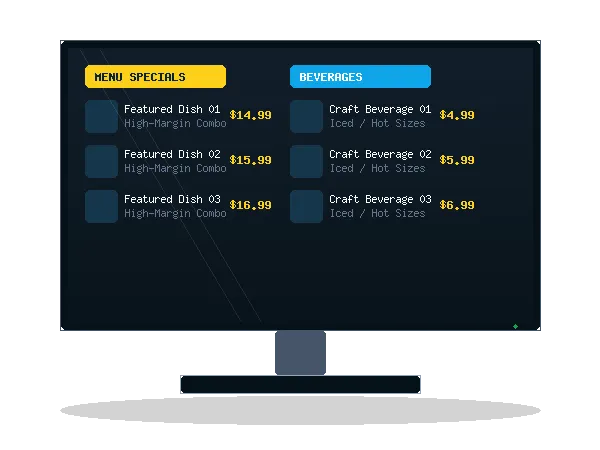
Large screens can make menus, promotional content and informational signage easier to see from a distance. 4K resolution can also provide additional detail when content and viewing distance justify it.
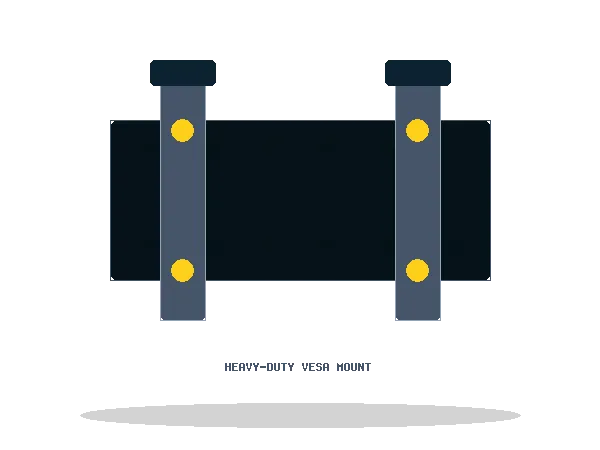
The display is only useful when it can be positioned safely and at the right viewing angle. Mount selection should account for screen size, mounting surface, weight and installation requirements.
Digital signage may use traditional landscape orientation or portrait layouts depending on the available wall space and content design. Orientation-specific mounting hardware can help achieve the intended installation.
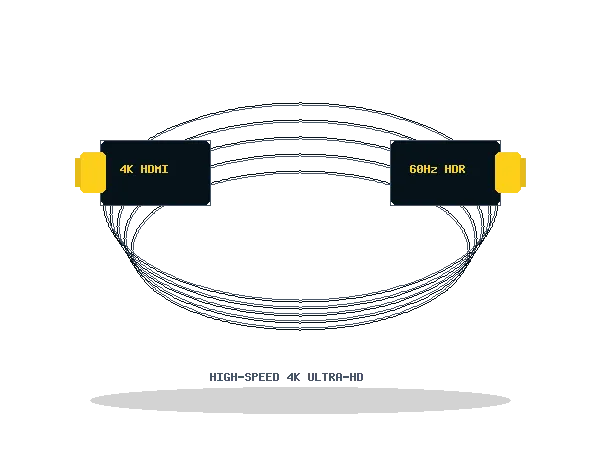
Reliable signal connectivity is a basic part of any digital signage installation. HDMI cables, adapters and related connectivity hardware should match the capabilities of the display and playback device.
Small accessories can have a large impact on installation quality. Cable-management products, adapters and related accessories can help keep a display installation organized and practical.
Understanding screen specifications before procurement prevents costly layout adjustments.
Most digital menu boards are designed around a 16:9 landscape canvas, especially when multiple menu columns or wide promotional layouts are required.
Portrait displays can make sense where vertical wall space is available or where the content itself is designed around a tall composition.
The important point is to select the display orientation together with the content design. Buying the screen first and deciding the content format afterward can create unnecessary layout compromises.
Resolution should be considered together with screen size and viewing distance. A larger display viewed from farther away may benefit from higher resolution, while a smaller installation may not require the same specification.
DigitalMenuMaker can design content around the target display format rather than treating every installation as the same screen.
A display installed indoors in a controlled environment has different requirements from one positioned near large windows or in a brighter commercial space.
When comparing hardware, consider the actual environment in which the screen will operate instead of choosing purely on resolution.
| Consideration | Consumer TV | Commercial Display |
|---|---|---|
| Typical use | General viewing | Business/signage environments |
| Operating environment | Residential/general | Commercial |
| Mounting | Varies | Often designed for installation |
| Connectivity | Model dependent | Model dependent |
| Operating specifications | Model dependent | Model dependent |
| Digital signage suitability | Depends on deployment | Depends on deployment |
DigitalMenuMaker can help you plan the digital signage layer beyond hardware—from display-ready menu content to signage software and deployment planning.
