A digital signage display needs a way to receive and play its content. For some installations, a USB drive may be enough. Others may use a streaming device, Android-based media player or dedicated signage player.
The right approach depends on how often content changes, whether the display needs internet connectivity and how much control the business requires.
Are you a media player OEM or commercial hardware supplier? Get certified in our Hardware Partner Program. If you need local wiring and media player installation, explore our Installation Partner Directory.
For simple signage installations where content does not need to change remotely, USB playback can be a straightforward approach. A compatible display can play prepared media files directly from USB without requiring a separate cloud management platform.
This can work well for businesses with relatively stable promotional content, menus or informational loops.
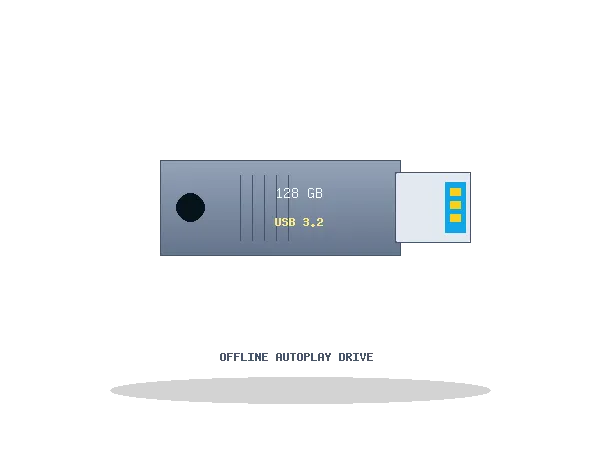
Low-profile nano USB flash drives allow seamless plug-and-play looping video playback directly through your smart TV's built-in media player, sitting flush against the display chassis without protruding.
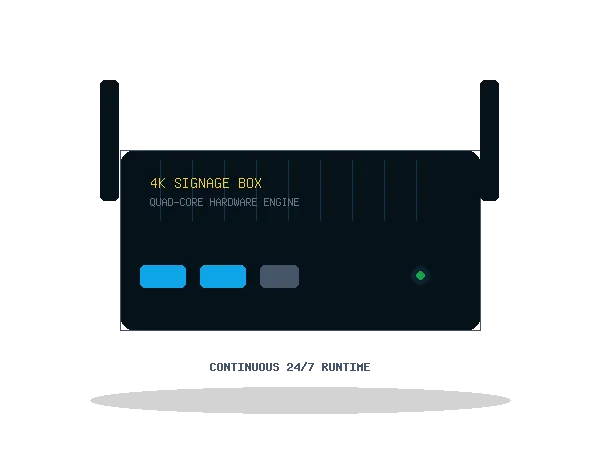
A media player can provide a more flexible playback layer when the display itself does not provide the required playback capability. Depending on the device and software environment, media players can support locally stored or network-delivered content.
Android-based media devices are commonly used as compact playback hardware because they can provide an operating environment between the display and the content source. Compatibility, supported applications, output resolution, network connectivity and power requirements should be checked before selecting a device.
Streaming hardware can provide another way to deliver digital content to compatible displays. Before choosing a device, confirm that its operating environment and required applications are suitable for the intended signage workflow.
Media players and displays need a reliable physical connection. HDMI cables and adapters should be selected according to the ports, resolution and other requirements of the equipment being connected.
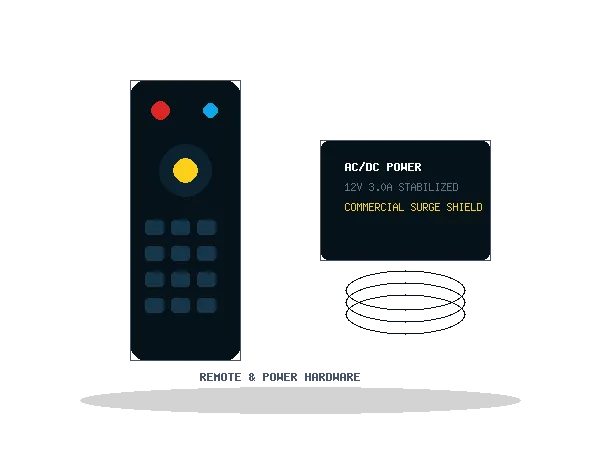
Small accessories can become important during installation. Power adapters, remotes, connectivity accessories and related hardware can help complete a practical playback setup.
Compare operational characteristics to identify the right playback workflow for your venue.
| Requirement | USB Playback | Media Player |
|---|---|---|
| Simple offline content | Suitable for some setups | May be unnecessary |
| Frequent content changes | Less convenient | Potentially more flexible |
| Internet connectivity | Not inherently required | Depends on device |
| Remote management | Not inherently provided | Depends on software/device |
| Setup complexity | Generally simpler | Can be more involved |
| Best choice | Depends on deployment | Depends on deployment |
Start with the content workflow, not the hardware model. Answering these four practical questions will clarify whether an offline USB drive or a connected media device is appropriate:
A USB-based workflow may be sufficient.
A connected playback solution may be more appropriate.
A separate player may not be necessary.
Consider a connected signage platform and compatible playback hardware.
Choosing hardware is only one part of the deployment. DigitalMenuMaker can help with menu board design, signage content, software, playback workflows and implementation planning.
